Find my kits here

Tasha's Playground Fan Page

Find me on Facebook

My Personal CT

Wednesday, November 30, 2011
The December O'Scrap Blog train has left the station!!! I have for you a mini kit to play with, and mix and match with the kits and elements you'll get along your ride :o) This kit is for Personal Use only, and please do not share!
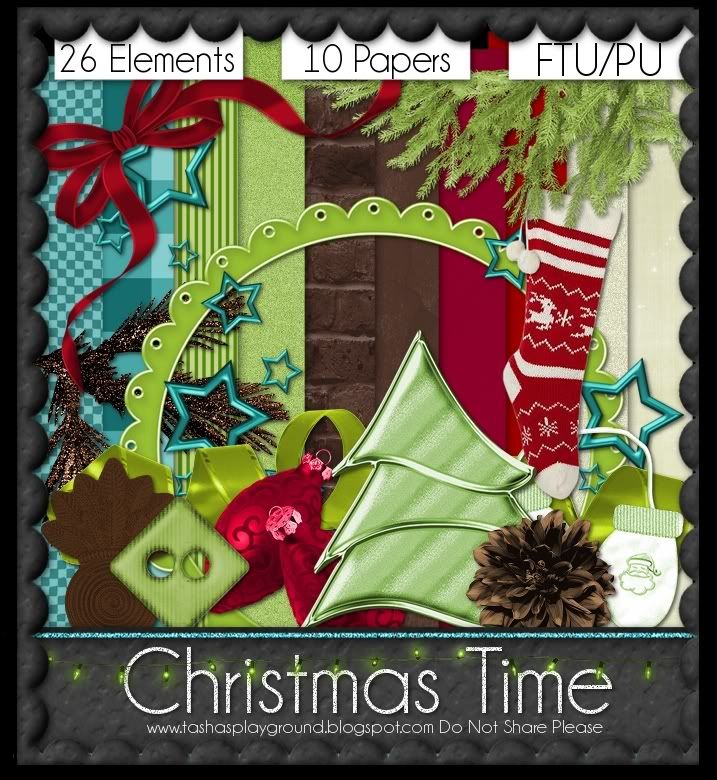

Tasha's Playground <--you are here
Tuesday, November 29, 2011
Seems I made a mistake linking my sales for Black Fiday/Cyber Monday and they didn't show up in stores all 4 days :( To make up for the inconvenience, I will be doing a 50% off sale from Dec 1 to Dec 15!!!! Hopefully I will get it together this time...not quite sure what I did wrong last time..but I'm gonna figure it out and make it right :D Thanks so much for understanding everyone, and for letting me know!!!


Saturday, November 26, 2011
Yeah, I'm a little late posting lol!!! All my kits at all my stores are 50% OFF!!!!!! Now is the time to buy!!! This sale is good through Monday :D


Wednesday, November 23, 2011

Tuesday, November 22, 2011
Thanks to all of you hard at work with my kits!! It really means a lot to me :D
Stop by these blogs to check out the amazing tuts and tags!!
G Gurl Swag by Breena
FTU Daydreamer by Amy
Fancy by Leah

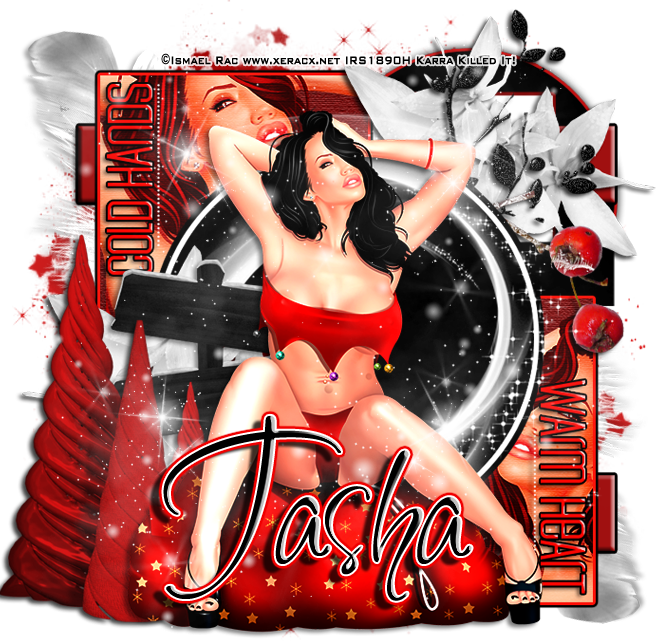
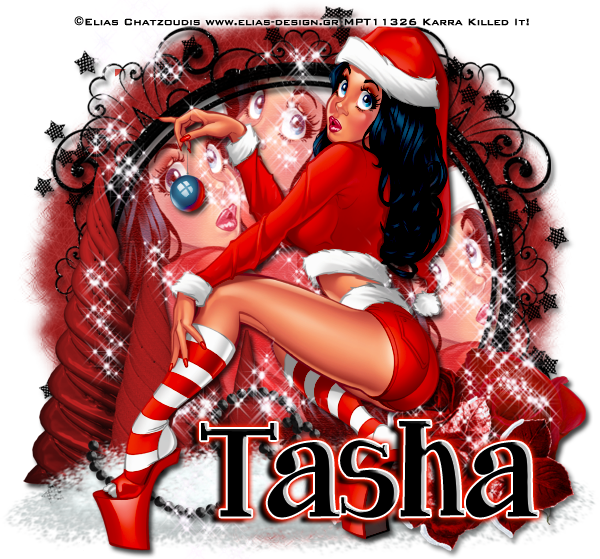
Black Ice tags by Karra
Monday, November 21, 2011
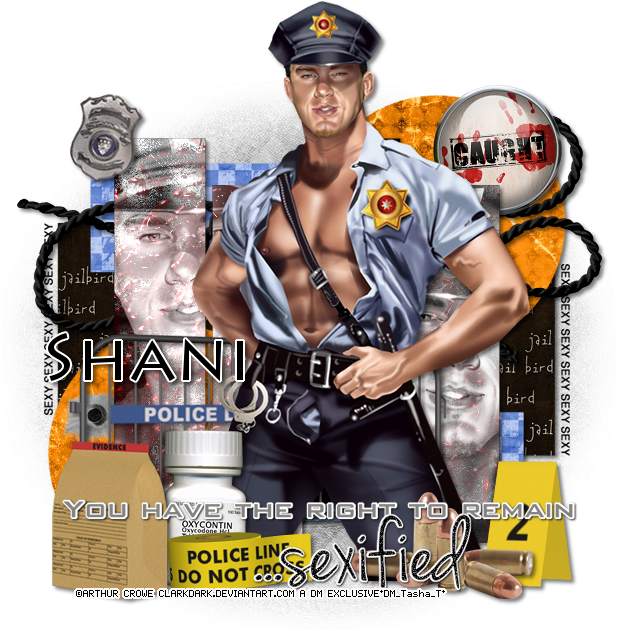
Supplies-
Kit- "Deputy Brad, Hot Cop!" by Wicked Princess Scraps here
Tube- This Crowe tube is exclusive to the Designer Mall group here. You can find more of Crowe's work for purchase at PTE here
Mask-HorsePlay's Pasture Mask26 here
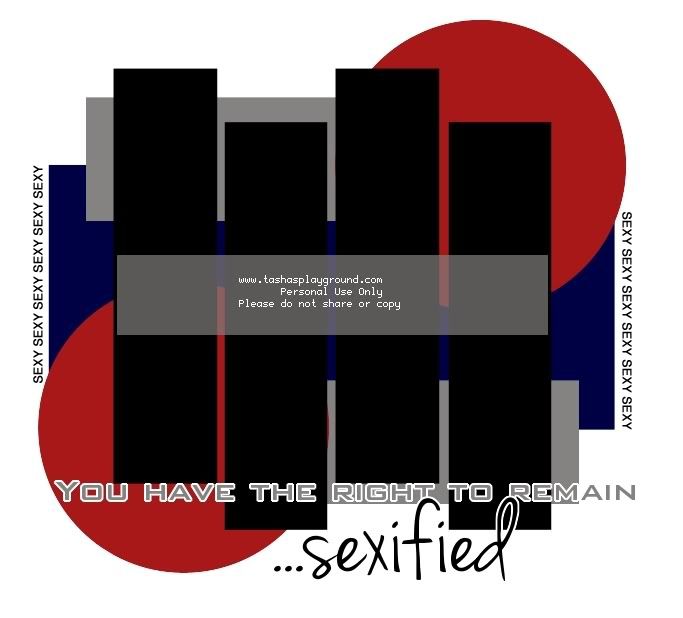
Template- My own template 3 here
Font of choice
Gimp, or program of choice
Here we go :)
Open the template and hit Ctrl+D to duplicate image
Close out original template
Delete the credits layer
Replace layers of the template with papers from the kit.
To do this, highlight your layer, right click>alpha to selection
open as layers your paper, right click>add alpha channel, resize paper
select>invert, edit>clear (or hit delete on your keyboard)
select>none
add drop shadow
For each layer I used:
1- pp1
2&3- pp5
4&5- pp10
Merge layers 6&7 before you add the paper,
add paper but don't deselect
position close up of your tube on template layers
hit delete and deselect
highlight close up tube
colors>Desaturate w/ Luminosity
duplicate. change blend mode to screen, opacity 50
Repeat the above steps with layers 8&9
Add tube of choice and elements from kit.
Resize and drop shadow as you go along. I used:
(from top to bottom)
rope
caught button
bullet hole
crime scene barrier
2
badge
meds
bullets
evidence bag 1
hat 3 police line do not cross
crop and resize your tag
add copyright and license info
add name and any text
merge, save, enjoy!!
Thank you for trying my tut! If you have any questions or would like to show me your result, please feel free to email me: bananas_68@yahoo.com
Hi all!! I have a new template for you all to play with!! I made this template to go with a kit by Wicked Princess called "Deputy Brad, Hot Cop!" Check out the kit here. Please do not share the template. Instead, direct people to my blog so they can download themselves and look around. I'd love to see anything you make with it!!
Here is a tut I did with the template and kit.
Here is a tut I did with the template and kit.
Subscribe to:
Posts
(Atom)
My Blinkies



I Get Creative For