Find my kits here

Tasha's Playground Fan Page

Find me on Facebook

My Personal CT

Thursday, April 11, 2013

I've just listed my newest spring kit to all my stores!! Those Spring Days has vivid shades of purples, blues and greens and is the perfect kit to make those spring tags pop!! This tagger sized kit is for personal use only. Please do not share. You can buy this kit for 30% off at all of my stores until the end of April!!! Happy tagging :o)
Tuesday, April 9, 2013
If you haven't yet, you should check out this fab kit, Carolina Sunshine, by A Taggers Scrap. Like all of her kits, it is packed full of elements and papers for you to tag your heart out!!! Her wonderful color palette is sure to inspire multiple tags, sets and whatever else you can think of!!
Visit Jo's blog here to see where you can pick up this stunning kit, and be sure to poke around at her freebies while you're there :)
I played around and made this cluster frame with Carolina Sunshine. This is for Personal Use only please. For an example of what you can do with the frame, I used the work of Sonia Roji which you can purchase at CDO here.
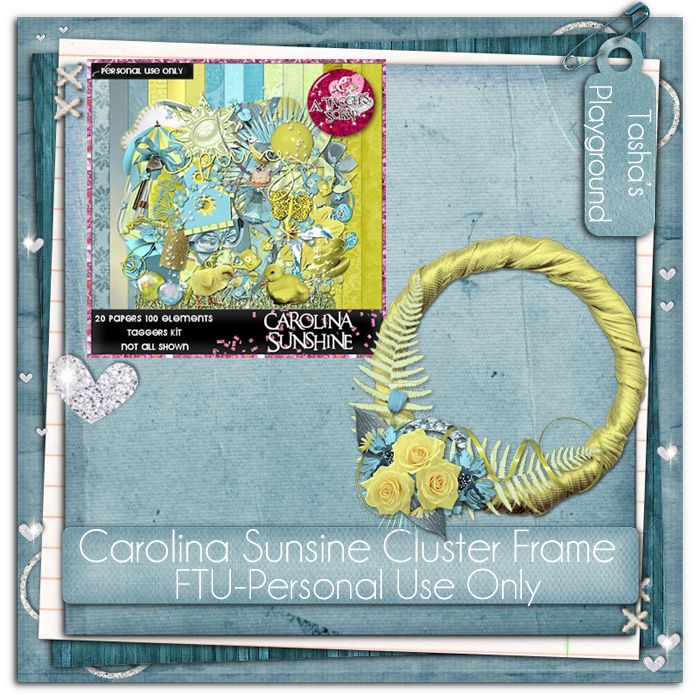

Download frame here
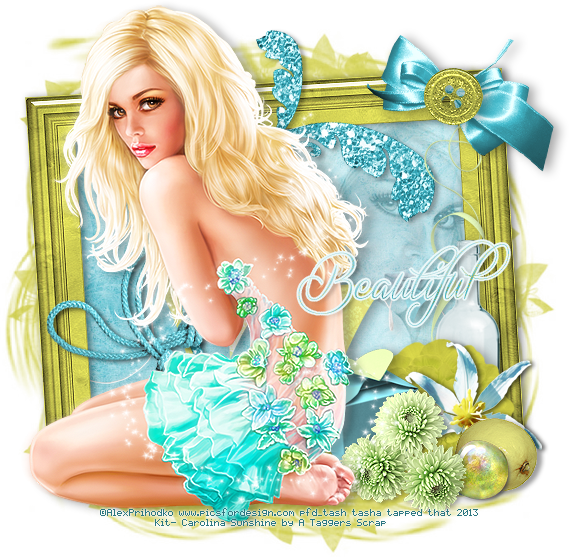
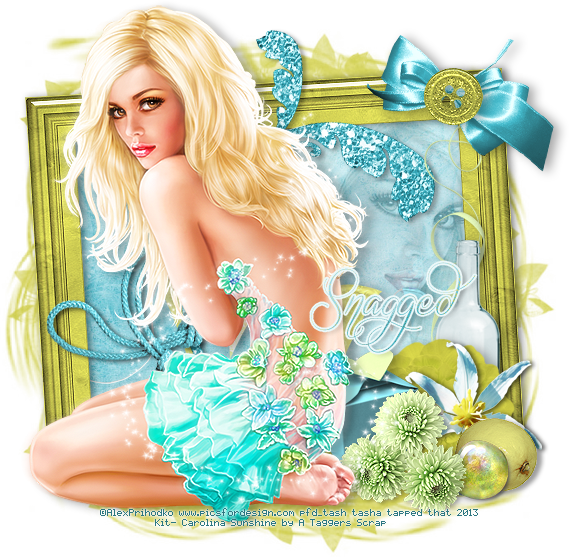
And I also made some extras with the kit!! For these, I used the work of Alex Prihodko, which you can purchase at Pics For Design here.
Please do not alter, resize, add elements or names to these tags!! Thanks and enjoy :)


Creations using Greek Goddess Greek Goddess
Tut by Beth-Ann here
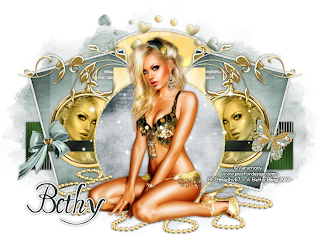
Extras by Kiya here

Tut by Amy @ Amy & Leah's Gimptastic Tuts here

Tut by Tragedy here


Tut by Beth-Ann here
Extras by Kiya here
Tut by Amy @ Amy & Leah's Gimptastic Tuts here
Tut by Tragedy here

Tut by Tutz By BabyDragon here
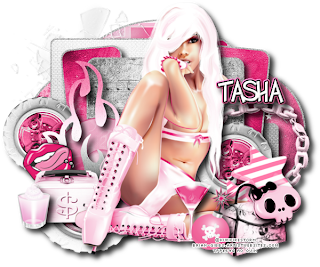
Creations using Kiss My Pink
Tut by KrazyTaggerGrrl here
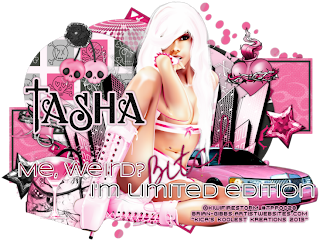
Tut by Amy from Amy & Leah's Gimptasitc Tuts here
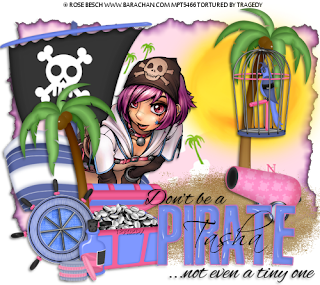
Creations using Don't Be A Pirate
FTU tut by Magik here
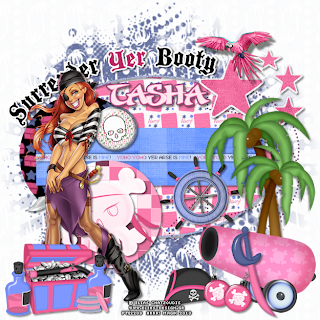
FTU tut by Tragedy here
Creations using Spring Dreams
Tut by Magik here
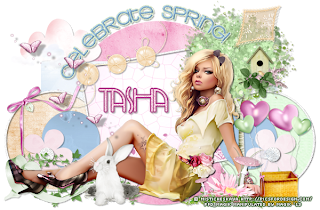
Tut by Leah @ Amy & Leah's Gimptastic Tut here

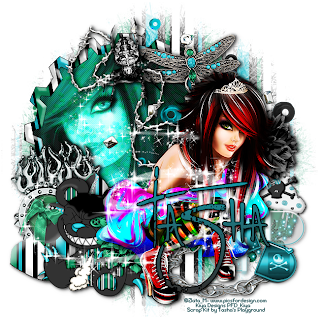
Creations using Skullz N Stripez
Cluster frame freebie from Kiya here
Thursday, April 4, 2013
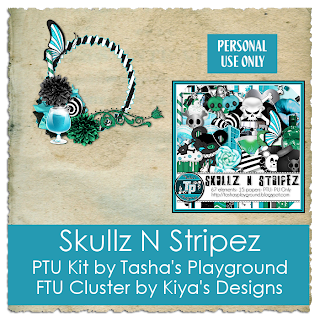
A little bit ago, I posted about how I needed to remove some items from my Skullz N Stripez kit (you can read it here). I have finally replaced those elements, re-released the kit and made it available for purchase again. If you have already purchased this kit and would like the updated version, please send me an email with your receipt to: bananas_68@yahoo.com with the subject DND SKULLZ N STRIPEZ. I get a lot of mail, so please make sure you use that subject line so I don't miss your email!!


Supplies:
Kit- I'm using a fab kit by Kim's Korner called Punk Party. You can find this and her other great kits at Twilight Scraps here.
Tube- I'm using the work of Ismael Rac. You can purchase his tubes here. You need a valid license to use his artwork.
Template- Temp 430 from Minxy at Divine Intentionz here
Mask- WSL_Mask93 from here
Font- Black Lightning here
Photoshop CS5 or program of choice
I'm on a Mac so when I use Command you may need to use Ctrl
Here we go :)
Open your template. Image>Duplicate. Close out original.
Delete credit layer, square 1, square 2.
Replace layers of the template with papers from the kit. To do this:
Add paper above template layer. Right click paper, Create Clipping Mask. Merge Down.
I used:
rectangle- paper 37
rect 1- paper 35
rect 2- paper 27
circle 2- paper 5
circle 1- paper 5
rounded edge rect 3- paper 25
rounded edge rect 4- paper 23
frame back 1- paper 15
frame back 2- paper 16
Clip a close up of your tube to frame back 1. Change blend mode to Luminosity.
Command+J to duplicate. Change blend mode of top tube to Screen, 55% opacity.
Clip a close up of your tube to frame back 2. Desaturate tube and change blend mode to Hard Light.
Duplicate tube and on top copy change blend mode to Screen, 75% opacity.
Now decorate your tag with elements from the kit. From bottom to top I used:
spiked heart 5
piano keys
microphone
disco ball
record
ribbon 11
ipod
skull 2
brass knuckles
DJ Mix
nail polish 2
spiked heart 3
skull 6
panda 2
Add main tube to top of tag.
Drop shadow tube, elements and template layers.
Now for the mask!! There are a few ways to do this...this is how I like to :)
Open your mask and add paper of choice above it.
With the mask layer highlighted, Select>All, Edit>Copy.
On paper layer, hit Q to activate Quick Mask Mode. If you see red, you're doing it right! Edit>Paste. Hit Q again to turn off Quick Mask Mode. The red should disappear and be marching ants.
Now click the Add Layer Mask button at the bottom of your layer palette box.
Rasterize the layer and drag it over to your tag canvas.
Resize and postion as needed.
Image>Trim>Top Left Pixel Color. This will get rid of any excess space on your tag.
Image>Resize if needed.
Add name and any text of choice.
Add your license and copyright info.
Merge, save and enjoy :)
Thanks for trying my tut. If you have any questions or would like to show me your results, feel free to email me at bananas_68@yahoo.com or friend me on facebook!
Tuesday, April 2, 2013
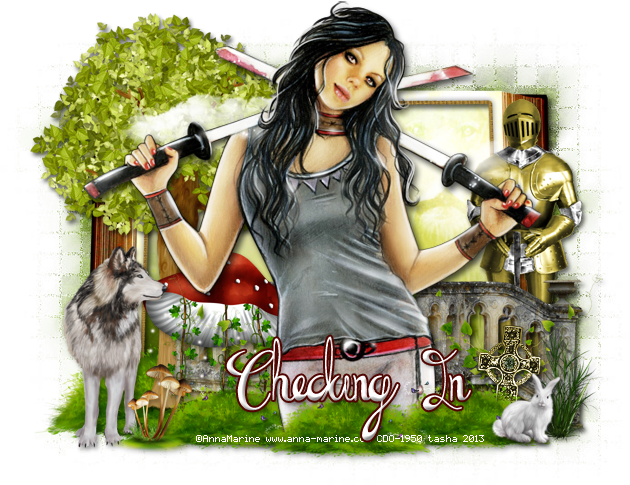
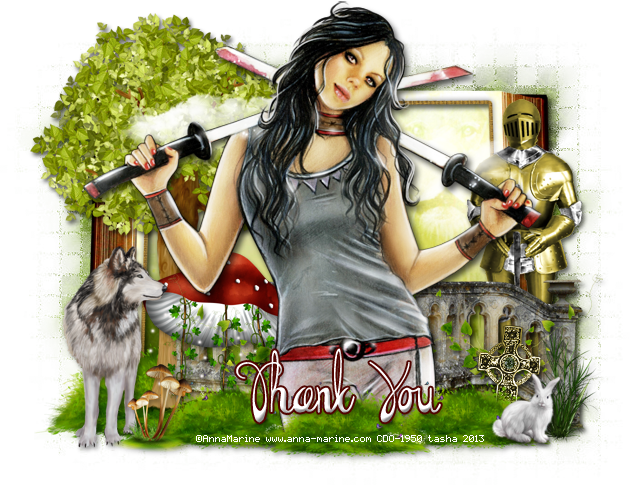
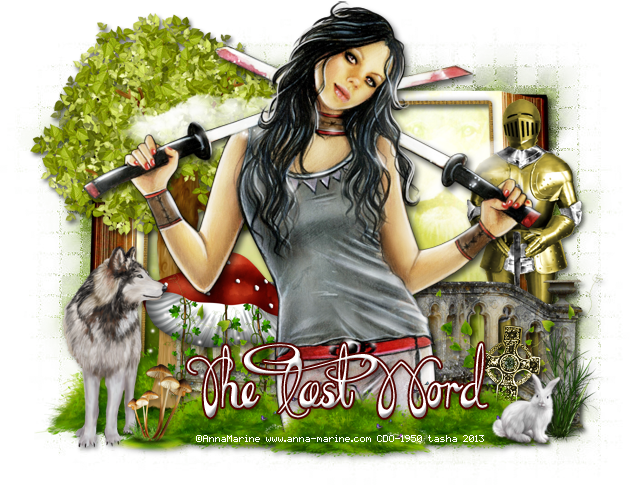
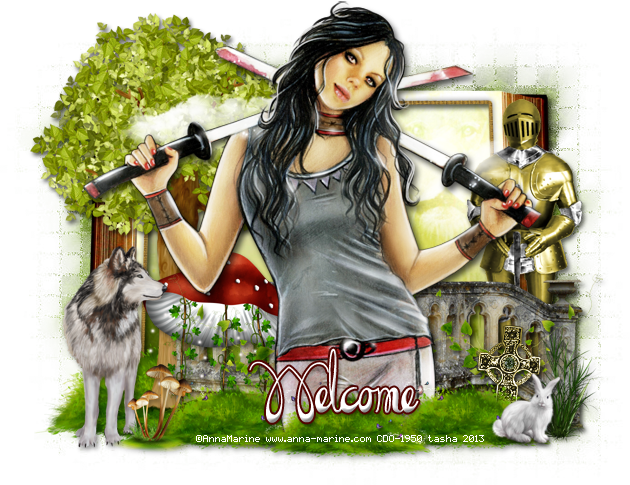
Soxsational Scraps has this great new kit out, Queen of the Forest. I absolutely love it!!! It has loads of great elements in it to play with and will fit a number of tubes. Visit Soxie's blog here for where she sells and to check out the rest of her gorgeous work.
I'm using the work of Anna Marine, which you can purchase from CDO with a valid license.

Here are some extras with the kit. Just click to view full size and then save to your computer. Please do not alter, resize, add names or elements to these tags. Thanks!
I played with a sexy new kit by Abstract Creations, IB-JessicaDougherty-41-1, which you can find exclusively at Creative Design Outlet. Visit Abstract on Facebook here to stay up to date with all her new releases!! Below are two tags I made with her kit, and a set of extras.
The first tag I paired with the work of Barbara Jensen. You can purchase this tube at her store here with a valid license.

The second tag uses the gorgeous work of Danny Drake, who recently retired from CDO.

Here are some extras. Please do not alter, resize, add names or elements to these tags. Click to view full size, then save to your computer. Thanks and enjoy :)


Subscribe to:
Posts
(Atom)
My Blinkies



I Get Creative For